
VirtualProg – Powerful Virtual Machine Manager for macOS
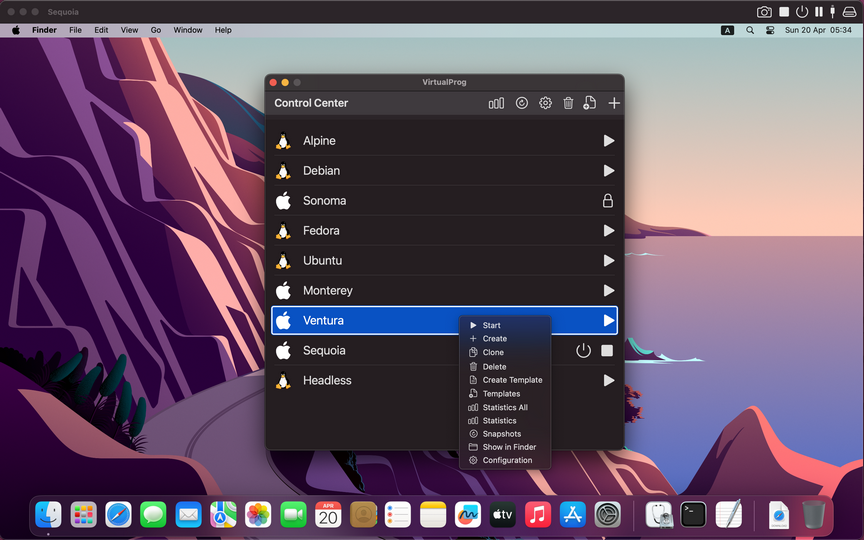
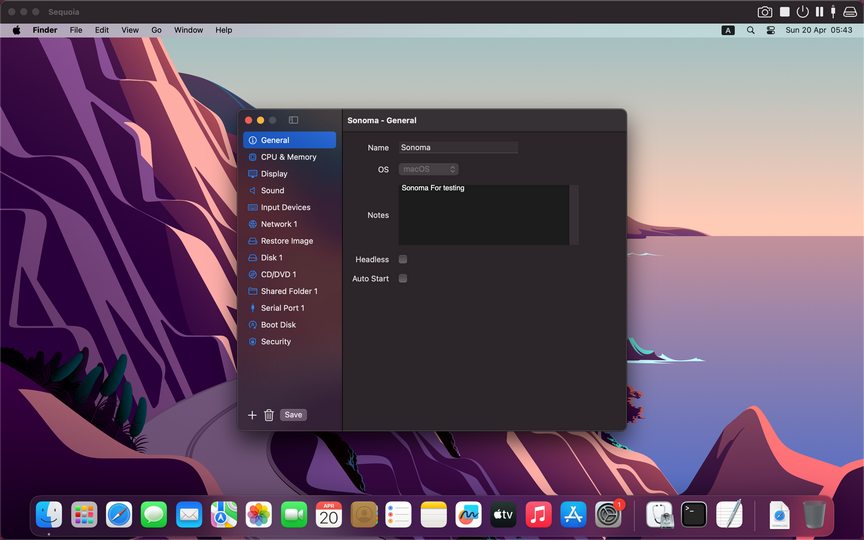
VirtualProg is a modern, feature-rich virtual machine manager built exclusively for macOS using Apple's Virtualization Framework. Whether you're on Apple Silicon or an Intel Mac, VirtualProg lets you seamlessly create, manage, and run macOS, Linux, and Windows virtual machines from one centralized Control Center.
Take full control of your virtual network infrastructure with Custom Network Management. Create Shared or Host-Only networks with custom subnets, configurable MTU, IPv6 support, static IP assignment, and TCP/UDP port forwarding rules — all managed directly in Settings — and place VMs on isolated VLAN (802.1Q) segments of your wired network. Choose between Fixed and Dynamic (ASIF) disk types, resize disks on the fly, and visualize total storage consumption across all VMs, templates, and snapshots with the built-in Disk Space Analyzer.
Organize VMs into named groups, run multiple machines simultaneously, and act on selections in bulk with Batch Operations. Schedule automatic start and shutdown times per VM with day-of-week granularity, configure startup delays for dependent VMs, and enable Auto-Pause on inactivity to conserve resources automatically.
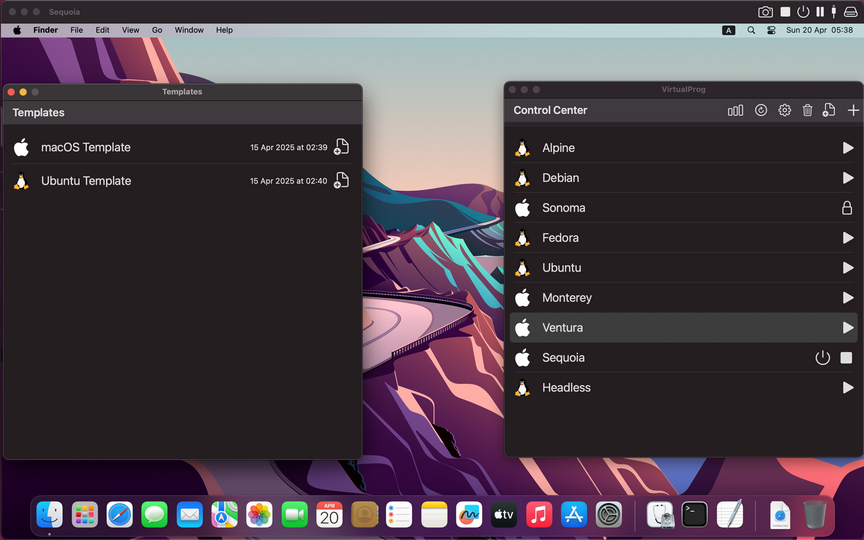
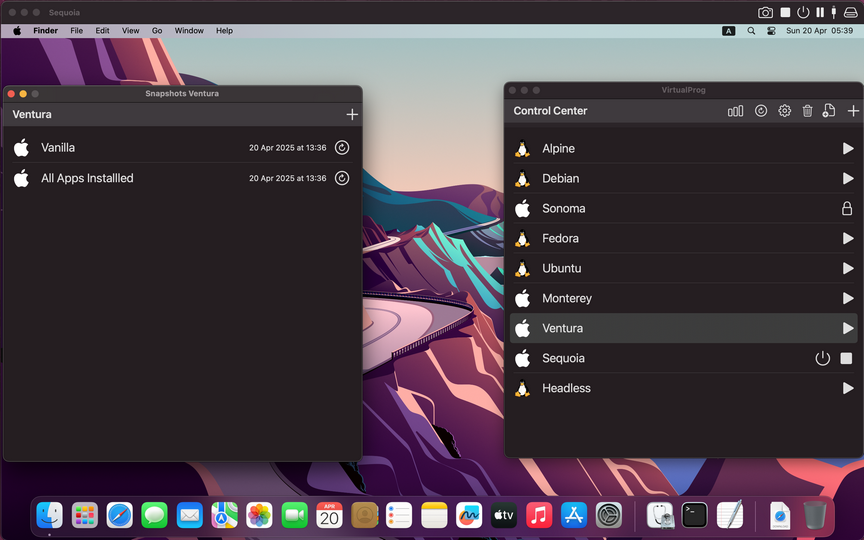
Protect your VM states with flexible snapshot support — take Live Snapshots of running VMs, memory included, schedule snapshots on start, shutdown, weekly, or monthly, and automatically create a safety snapshot before any restore. Build reusable VM templates from any machine or snapshot, clone templates for configuration variants, and deploy new VMs in seconds with the Quick Create wizard.
Quanta AI Chat & MCP Server
Manage your VMs by simply asking. Quanta is an Apple Intelligence chat built into VirtualProg that starts, stops, snapshots, configures, and troubleshoots VMs from plain-language requests — running On Device or on Private Cloud Compute, from the Mac, web dashboard, iOS, and Android (macOS 27 Golden Gate or later). For longer, multi-step work, the MCP Server in vpvm connects AI assistants such as Claude, GitHub Copilot, and Cursor to VirtualProg on this Mac or a remote one. Learn about Quanta · Set up the MCP Server.
Manage Your Virtual Machines from Anywhere — Right in Your Browser
VirtualProg's built-in Web Dashboard transforms any browser into a full-featured VM control center, no additional software or app install required. From your laptop, tablet, or phone — on your local network or connected remotely over the internet — simply open a browser, enter your host address, and you have instant access to your entire VM fleet. See your VM's screen as a live display stream directly in the browser window, and take full interactive control with your keyboard and mouse — just as if you were sitting in front of the machine. Start, stop, restart, and monitor VMs in real time; view live CPU, memory, and disk statistics; manage snapshots and restore points; and spin up new VMs from templates, all from a clean, responsive web interface. Secured with token-based authentication, every session is protected so only authorized users can reach your infrastructure.
VirtualProg for iOS & Android
Take that same control with you. The VirtualProg companion apps connect to VirtualProg on your Mac so you can view and manage every VM, watch and interact with the live screen, open a terminal, and handle snapshots — all from your iPhone, iPad, or Android phone and tablet. Download it on the App Store or Google Play.
Discover the Complete Feature Set
VirtualProg includes far more than can be covered on this page. For an in-depth look at every feature, step-by-step usage guidance, and complete screenshots of the application in action, please visit the Help documentation. It's the most comprehensive resource for understanding everything VirtualProg has to offer.
What the Reviewers Say
NameOcean calls VirtualProg "a mature, well-thought-out approach to virtual machine management on macOS" — powerful enough for serious, multi-VM workloads, yet simple enough to use without a PhD in virtualization. Its native Apple Virtualization Framework performance, polished design, and browser-based remote access, they conclude, "sets a new standard for what macOS VM management can be." Read the full review on NameOcean.
For teams and power users, the vpvm command-line tool delivers the same remote reach from the terminal — start, stop, snapshot, rename, export, and inspect VMs on any VirtualProg host using secure token authentication. Whether you prefer a browser or a shell, full remote control is always at your fingertips.
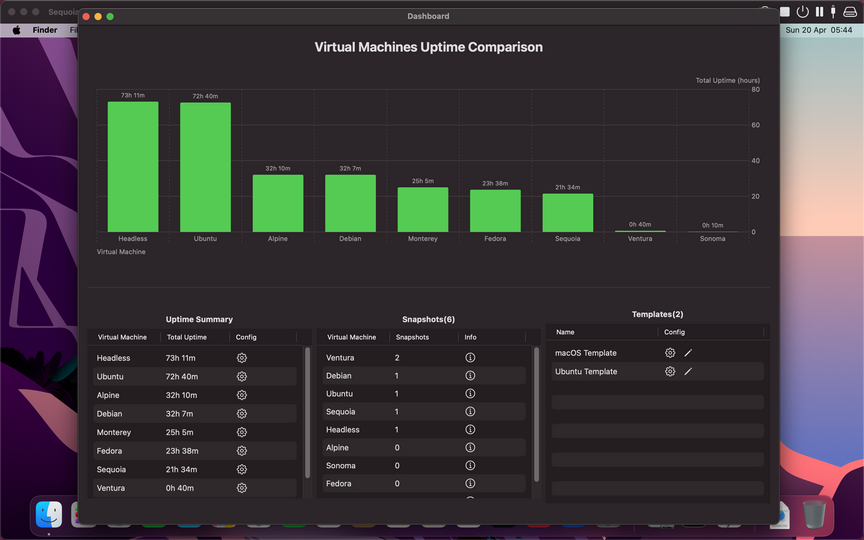
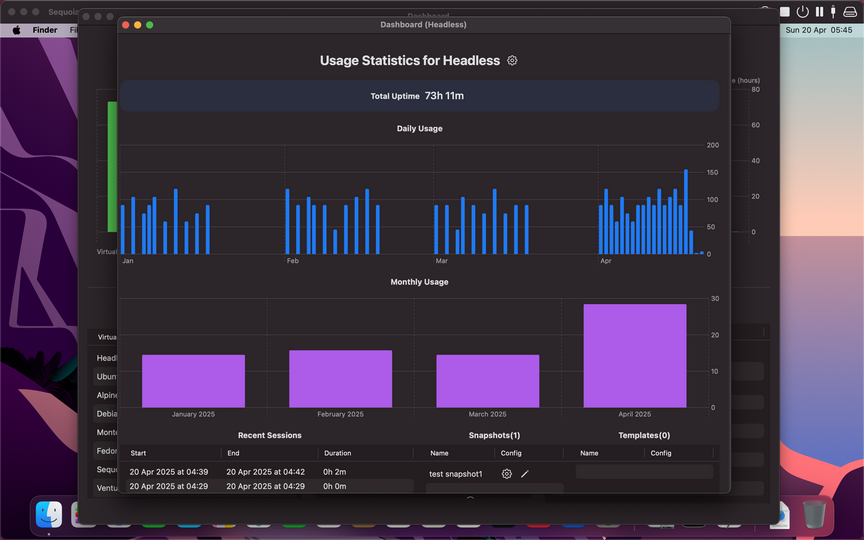
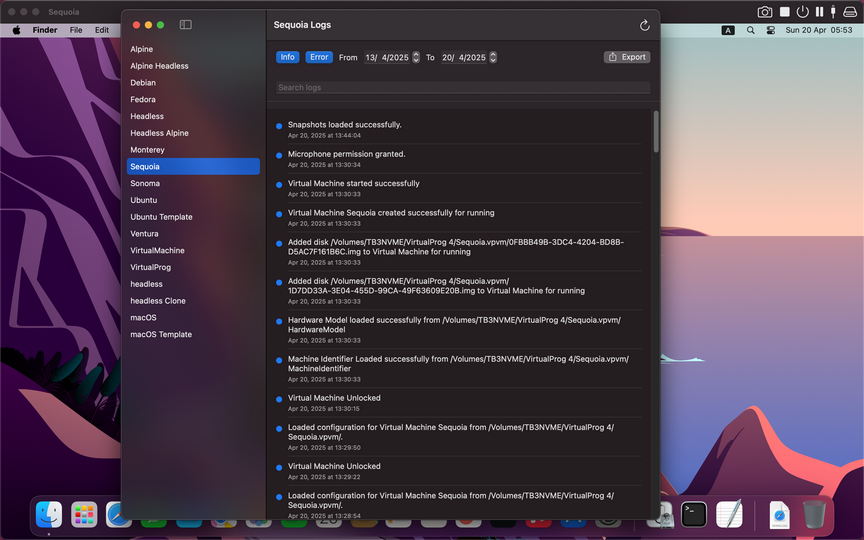
Password-protect virtual machines and unlock them instantly with Touch ID. Monitor session uptime and history in the VM Usage Dashboard, and export usage data as CSV or PNG. The built-in Log Viewer lets you filter, search, and export detailed per-VM system logs, while Diagnostic Logs collect full VM metadata into a zip file for troubleshooting.
Stay productive with Quick Info popovers that surface VM, template, and snapshot details at a glance — including disk usage, scheduled events, and shared folders. Search, sort, tag with colors, and mark favorites across all views. Launch or search VMs directly from macOS Spotlight, and automate workflows with Siri Shortcuts. Import .vpvm files straight from Finder, record your VM screen, and capture timestamped screenshots for documentation or demos.
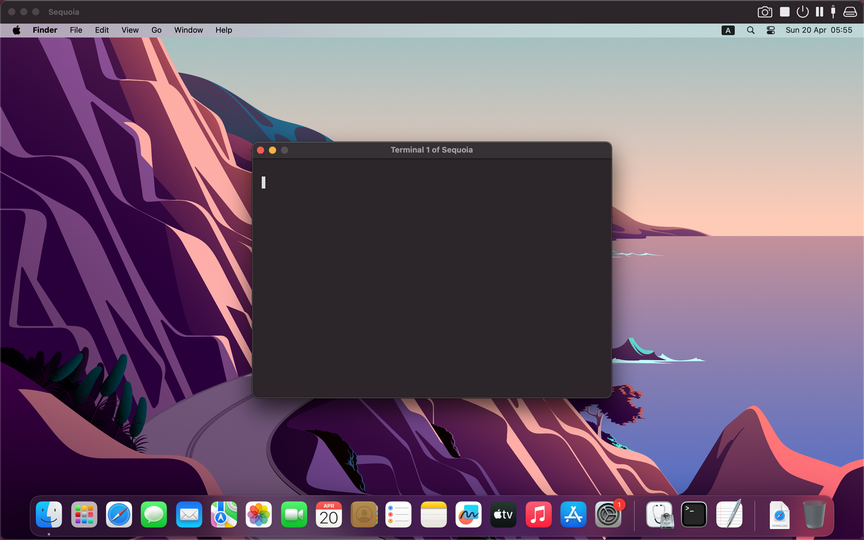
Additional capabilities include Suspend & Resume for Apple Silicon, nested virtualization for Linux on M3 & M4, Rosetta support for Linux guests, clipboard sharing for macOS Sequoia VMs, serial port support with terminal output, headless mode for background services, and native macOS notifications for VM state changes.
Keep services running with High Availability, which restarts a VM automatically when it crashes or stops responding, and see what each guest really uses with Live Resources. Guest Tools for macOS, Linux, and Windows add clipboard sharing with file copy and paste, the Mac's camera, live CPU and memory readings, and graceful shutdown and restart.
On macOS 27 Golden Gate or later, VirtualProg adds Quanta, an Apple Intelligence chat that manages your VMs in plain language, USB Device Passthrough for connecting Mac USB devices to a running VM, Checkpoints and Live Checkpoints for instant, storage-efficient save-points, Live Linked Clones for forking a running VM in seconds, and Provisioning for fully automated first-boot account setup. For AI assistants such as Claude, GitHub Copilot, and Cursor, the MCP Server in vpvm lets them manage VirtualProg too.
Download VirtualProg today and take full control of your virtual machines on macOS.
Features
- Quanta AI ChatManage VMs in plain language with Apple Intelligence: start, stop, snapshot, configure, and troubleshoot by simply asking. Runs On Device or on Private Cloud Compute, from the Mac, web dashboard, iOS, and Android. (macOS 27 Golden Gate or later)
- MCP ServerLet AI assistants such as Claude, GitHub Copilot, and Cursor manage your VMs through the Model Context Protocol, on this Mac or a remote one. Included with the vpvm CLI.
- Live SnapshotsSnapshot a running VM, memory included; restoring it resumes exactly where you left off, with the same apps and windows open.
- Checkpoints & Live CheckpointsInstant, storage-efficient save-points using Apple's DiskImageKit ASIF overlay stacking, with favorites, tags, and search. Live Checkpoints capture a running, paused, or suspended VM with its memory. (macOS 27 Golden Gate or later)
- Live Linked ClonesFork a running, paused, or suspended VM into a lightweight clone that shares its parent's disk layers, ready in seconds. (macOS 27 Golden Gate or later)
- High AvailabilityRestart VMs automatically after a crash, an unresponsive guest, or an unexpected quit, with heartbeat checks via Guest Tools or any TCP port and configurable restart limits.
- Live ResourcesSee real guest CPU and memory usage for running macOS, Linux, and Windows VMs, on the Mac, web, iOS, Android, and the command line.
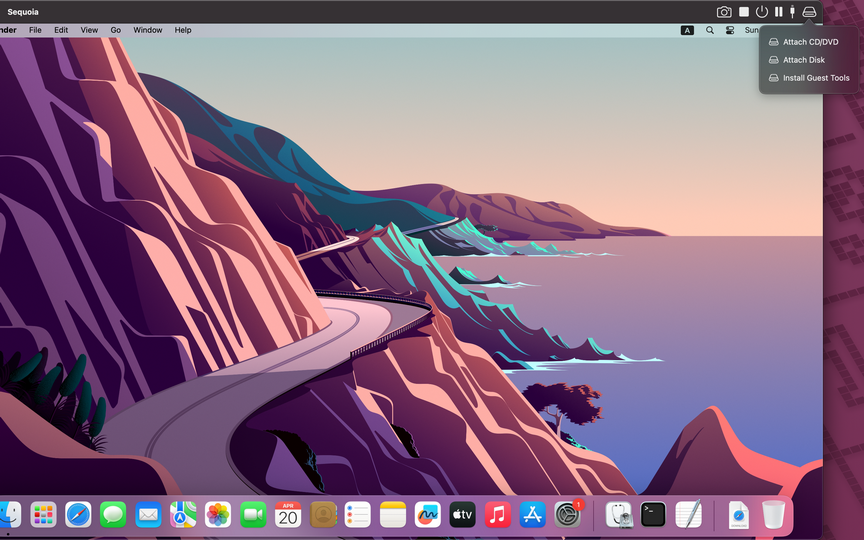
- Guest Tools for macOS, Linux & WindowsClipboard sharing with copy and paste of files and folders, the Mac's camera, Live Resources, and graceful Shut Down and Restart in every guest, plus drivers, shared folders, and display resizing for Windows.
- USB Device PassthroughConnect USB devices from your Mac directly into a running VM via the menu bar USB accessory icon. (macOS 27 Golden Gate or later)
- ProvisioningSkip the macOS setup assistant — automatically create a configured user account on first boot. (macOS 27 Golden Gate or later guest)
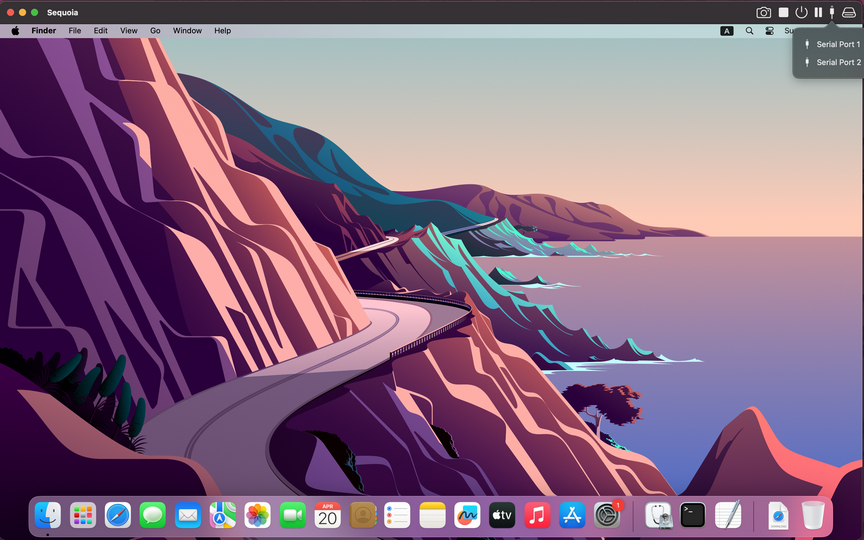
- Cross-platform virtualizationRun macOS, Linux, and Windows VMs natively on Apple Silicon Macs; Intel Macs run Linux VMs only. Includes Suspend & Resume on Apple Silicon, nested virtualization for Linux on M3 & M4, Rosetta support for Linux guests, and serial port support with terminal output and file redirection.
- Centralized Control CenterManage every VM from list or grid views, organize them into groups, run multiple VMs simultaneously, and act on multiple selections at once with batch operations; search, sort, tag with colors, and mark favorites across all views.
- VM lifecycle toolsExport, rename, and import virtual machines, with Quick Info popovers surfacing VM, template, and snapshot details at a glance.
- Custom networkingCreate shared or host-only networks with custom subnets, configurable MTU, IPv6 support, static IP assignment, TCP/UDP port forwarding, and VLAN (802.1Q) segments on your wired network.
- Flexible storageChoose Fixed or Dynamic (ASIF) disk types and track total usage across VMs, templates, and snapshots with the built-in Disk Space Analyzer.
- Web DashboardControl your VMs remotely from any browser or device with a live display stream, full keyboard and mouse input, and complete management (start, stop, restart, snapshots, stats, template deployments), all secured with token authentication.
- Remote vpvm CLIGet the same secure, token-authenticated remote control from the terminal.
- Scheduling & automationSet automatic start and shutdown times per VM by day of week, configure startup delays for dependent VMs, enable auto-pause on inactivity, and run VMs headlessly for background services.
- Snapshots & templatesSchedule snapshots on start, shutdown, weekly, or monthly, with an automatic safety snapshot before every restore; build reusable, cloneable VM templates and deploy new VMs in seconds with the Quick Create wizard.
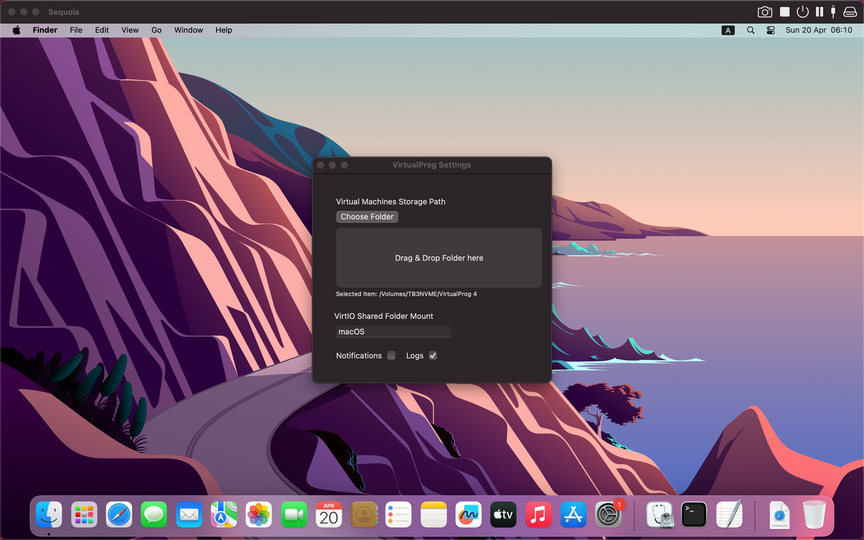
- macOS integrationFind and launch VMs from Spotlight, automate workflows with Siri Shortcuts, unlock password-protected VMs with Touch ID, and share folders and clipboard between host and guest.
- Monitoring & diagnosticsTrack usage in the VM Usage Dashboard with CSV/PNG export, filter and export system logs in the Log Viewer, and bundle full VM metadata into a zip with Diagnostic Logs.
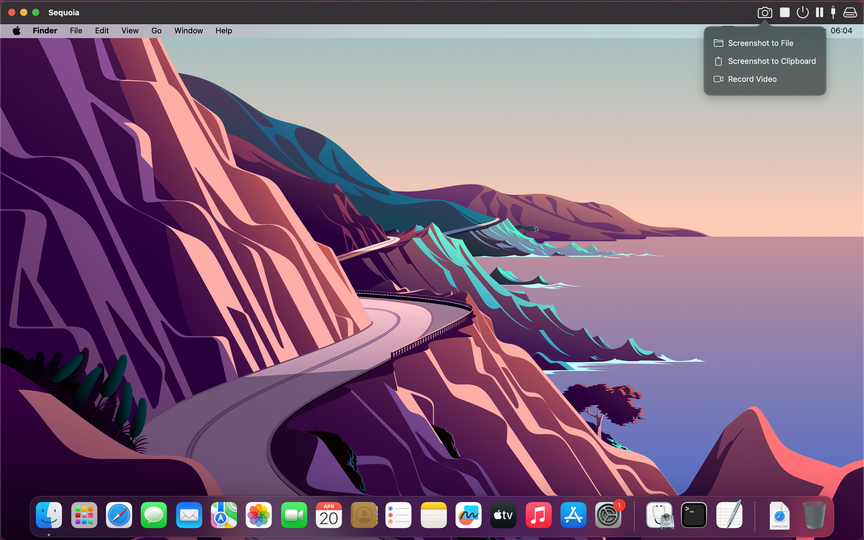
- Capture & notificationsRecord your VM's screen, capture timestamped screenshots, see a dock badge for running VM counts, get native macOS notifications for VM state changes, and enjoy automatic display resolution and audio device support.